How to Schedule a Patient's Next Appointment While They Are Still in the Chair
August 31, 2026 · 9 min read
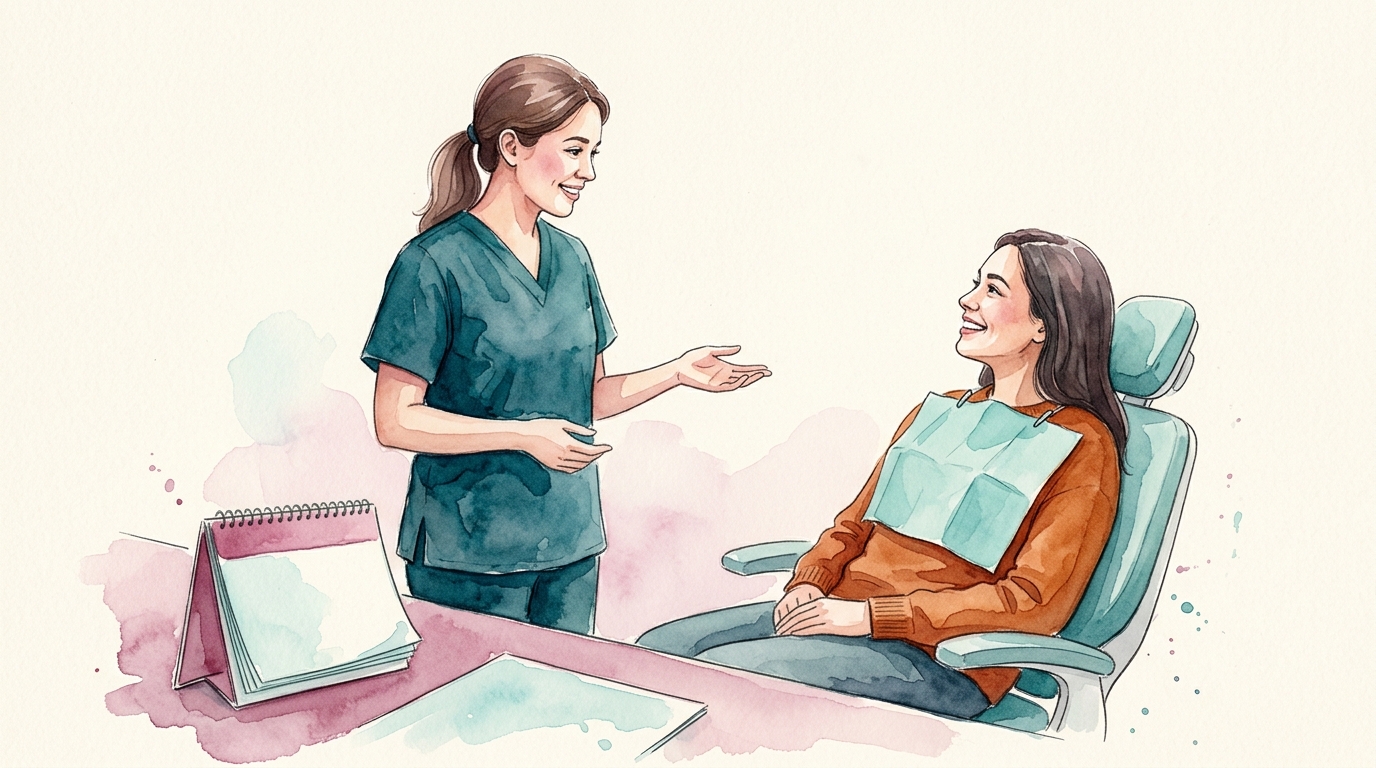
Scheduling a patient's next dental appointment while they are still in the chair is a powerful strategy to improve recall rates and optimize your practice's schedule. This method streamlines the patient's exit process, reduces front desk bottlenecks, and reinforces the importance of timely follow-up care. By collaborating effectively between the clinical and administrative teams, you can make this a seamless and highly effective part of your patient flow.
Why In-Chair Scheduling Works
When a patient is still in the operatory, they are often more receptive to scheduling their next appointment for several reasons. The clinical team has just completed their treatment or examination, and the patient's immediate health needs are fresh in their mind. The hygienist or doctor can directly communicate the importance of the next visit, whether it's for a follow-up, a routine cleaning, or further treatment. This direct recommendation, delivered by a trusted clinician, carries significant weight and can overcome common patient objections or procrastination. It also eliminates the friction of moving to the front desk, waiting, and then discussing scheduling, which can sometimes lead to patients opting to "call back later" – a call that often never happens.
Preparing for In-Chair Scheduling: The Team Huddle
Effective in-chair scheduling begins before the patient even arrives. A brief daily huddle is crucial for aligning your clinical and administrative teams. During this huddle, review the day's schedule and identify any patients who will need to schedule their next appointment. This might include:
- Patients due for their six-month recall.
- Patients completing a phase of treatment who need to continue.
- Patients who had an emergency visit and need follow-up care.
For each patient, the doctor or hygienist should anticipate the recommended next step and the approximate time needed. The front desk team should be aware of any specific scheduling challenges, such as a patient's limited availability or insurance considerations. This proactive communication sets the stage for a smooth in-chair scheduling process.
The Clinical Team's Role: The Warm Handoff
The success of in-chair scheduling heavily relies on the clinical team's ability to execute a "warm handoff" to the administrative team, even if that handoff is virtual. Before the patient leaves the operatory, the hygienist or doctor should clearly communicate the recommended next appointment to the patient. This communication should be concise, confident, and emphasize the benefit to the patient.
Example Script for the Clinical Team:
"[Patient Name], we've completed your cleaning today, and everything looks great. To maintain your oral health, we'll need to see you again in six months for your next preventive visit. That will put us around [Month, Year]. [Front Desk Team Member Name] will help you get that scheduled right now, so you're all set."
If further treatment is needed:
"[Patient Name], we've addressed your immediate concern, but to fully restore this tooth, we'll need to schedule you for a crown. That typically takes about [X] hours. [Front Desk Team Member Name] will help you find a time that works best for you for that appointment. It's important we get this done soon to prevent further issues."
This direct recommendation from the clinician to the patient, followed by the immediate transition to scheduling, significantly increases the likelihood of the patient booking their next visit.
The Front Desk's Role: Leveraging Technology and Efficiency
While the patient is still in the chair, the front desk team can begin the scheduling process. This requires efficient communication and often, access to the patient's chart and the scheduling system from a remote workstation or tablet.
1. Real-Time Communication
Establish a clear communication channel between the operatory and the front desk. This could be a quick chat message, a note in the practice management software, or a designated signal. The clinical team should relay the necessary information: patient name, type of appointment needed, estimated time, and any specific patient requests (e.g., "prefers morning appointments").
2. Access to Scheduling and Patient Information
The front desk team needs immediate access to the practice schedule and the patient's records. Ideally, this means having a workstation or tablet that allows them to view availability and patient history without leaving their post. This reduces delays and ensures accurate scheduling. For practices leveraging comprehensive platforms like AiroDental, this information is often consolidated, making it easier to access critical details, including past appointments, insurance notes, and patient preferences.
3. Insurance Verification and Pre-Appointment Planning
Before confirming the next appointment, especially for restorative work, a quick check of the patient's insurance benefits is critical. While full verification might happen later, understanding basic coverage for the recommended procedure can prevent future payment issues. For example, if a patient is due for a crown, knowing if their plan covers a portion of it can inform the discussion. Refer to "How to Explain an EOB to a Patient: A Front Desk Guide" for more on managing patient expectations around insurance.
If the patient has an outstanding balance or a complex treatment plan, this is also an opportunity to prepare for that discussion. For guidance on handling payments, see "How to Collect Patient Payments Upfront (and What to Say)" and "How to Handle a Patient Who Refuses to Pay Their Dental Bill".
4. Presenting Options and Confirming
Once the front desk has the necessary information, they can present scheduling options to the patient. This can happen directly with the patient in the operatory via a tablet, or the front desk can call the operatory to confirm with the patient through the clinical assistant.
Example Script for the Front Desk (via clinical assistant or directly if possible):
"[Patient Name], Dr. [Doctor's Name] recommends your next preventive visit in six months. I have a few openings in [Month, Year]. Would [Date, Time] or [Date, Time] work better for you?"
For treatment appointments:
"[Patient Name], for your crown, we'll need about two hours. I have availability on [Date, Time] or [Date, Time]. Which of those fits your schedule?"
Offer two specific options to guide the patient toward a decision rather than an open-ended question. Once confirmed, immediately enter it into the schedule and send a confirmation text or email.
Overcoming Common Challenges
Patient Says, "I'll Call You Back"
This is a common response. Your goal is to make it easier for them to schedule now.
Response: "I understand completely that you might need to check your schedule. We find that our patients often prefer to get this booked now to ensure they get the best time slot before it fills up, especially if you have a preferred day or time. It only takes a moment, and we can always adjust it later if something comes up. How about we look at two options now?"
Emphasize the benefit of booking now (preferred times) and the flexibility to change later.
Patient Needs to Check with a Spouse or Work
Response: "That's perfectly fine. Many of our patients need to coordinate with family or work. What we can do is tentatively hold a time for you, say [Date, Time], and then you can confirm with us by [Specific Time/Date]. If it doesn't work, we can easily reschedule. This way, you have a spot reserved, and we can always adjust it if needed."
Offer a tentative hold with a clear follow-up expectation. This reduces the chance of a lost appointment. For more on ensuring patients follow through, consider strategies from "Recall and Reactivation: Reaching Patients Who Have Drifted Away".
Limited Availability
If your schedule is tight, refer to "How to Schedule Emergency Dental Appointments (and What to Ask First)" for strategies on managing urgent cases, and "Filling Same-Day Dental Cancellations Without a Scramble" for tips on maximizing your schedule.
Training Your Team for In-Chair Scheduling
Implementing in-chair scheduling requires consistent training and clear standard operating procedures (SOPs). Your front desk team, clinical assistants, and hygienists all need to understand their roles and the importance of this process.
- Role-playing: Practice the scripts and scenarios during team meetings.
- SOPs: Document the steps for in-chair scheduling in your practice's SOPs. This ensures consistency, especially for new hires. For guidance on creating effective SOPs, see "Writing SOPs Your Dental Team Will Actually Use".
- Feedback: Regularly review your recall rates and discuss what's working and what needs improvement.
Effective dental front desk training is key to making this process successful and sustainable. Tools like Saige can help practices centralize their SOPs, training materials, and common patient questions, ensuring all team members have access to the information they need to execute these workflows flawlessly. This reduces the burden on individual team members and ensures consistent messaging and operational efficiency. You can also review "Why Dental Front Desk Training Keeps Breaking Down (and How to Fix It)" for more comprehensive training strategies.
Checklist for Implementing In-Chair Scheduling
Use this checklist to implement or refine your in-chair scheduling process:
- Daily Huddle:
- Review all patients needing a next appointment.
- Identify recommended procedures and estimated times.
- Note any known patient scheduling preferences or insurance considerations.
- Clinical Team Actions (Hygienist/Doctor/Assistant):
- Clearly communicate the need for the next appointment to the patient while they are still in the chair.
- Use a consistent, benefits-oriented script.
- Relay patient's needs/preferences to the front desk (verbally, chat, or software note).
- Front Desk Team Actions:
- Have immediate access to the schedule and patient records (e.g., via tablet or remote workstation).
- Quickly check basic insurance eligibility for the recommended procedure, if applicable.
- Present two specific scheduling options to the patient (via clinical team or directly).
- Use a consistent, confident scheduling script.
- Immediately book the appointment in the practice management system.
- Send an instant confirmation (text/email).
- Follow-Up & Training:
- Regularly review recall rates and in-chair scheduling success.
- Provide ongoing training and role-playing for all team members.
- Document the process in your practice SOPs.
Conclusion
Scheduling a patient's next dental appointment while they are still in the chair is not just a convenience; it is a strategic operational advantage. It improves patient recall, reduces the administrative load at the front desk, and reinforces the value of consistent dental care. By fostering strong communication between your clinical and administrative teams, providing the right tools, and offering consistent training, your practice can implement this highly effective strategy and see a significant return in patient retention and practice efficiency. This approach is a testament to how integrated team efforts can transform daily operations, much like how an AI platform vs. point solutions can streamline an entire practice's technological ecosystem.
Related articles
How to Explain a Dental Claim Denial to a Patient
A dental claim denial can be confusing and frustrating for patients. This article provides front office staff with clear, practical steps and scripts to explain denials effectively, maintain patient trust, and manage financial expectations.
October 12, 2026 · 9 min read

How to Schedule a Patient Who Needs a Periodontal Maintenance Appointment
Scheduling periodontal maintenance appointments requires a specific approach that differs from routine hygiene. This guide provides actionable steps for front office staff to manage these appointments efficiently, from verification to communication.
October 5, 2026 · 8 min read
How to Schedule a Patient Who Needs a Referral to a Specialist
Referring a patient to a dental specialist requires a clear process to ensure they receive timely care and understand their financial responsibilities. This guide provides actionable steps for front office staff to manage specialist referrals efficiently.
September 28, 2026 · 9 min read