What Access Actually Ends When Someone Leaves
November 16, 2026 · 7 min read
Somewhere in a new hire's first week she asks a question nobody planned for. What is the alarm code? Who has a key to the back door? Which login do I use for the supply order?
In many offices the honest answer to the first question is the same code the practice has used since the alarm was installed, which means the code belongs to everyone who has ever worked there. The answer to the second lives in the office manager's head. The answer to the third is the account of someone who left years ago, still signed in on the front desk computer, with the practice's card saved to it.
This blog has twice written about the day a team member leaves: once about the knowledge that walks out with her, and once about the administrator login to the practice management software. This post is about everything else she could open.
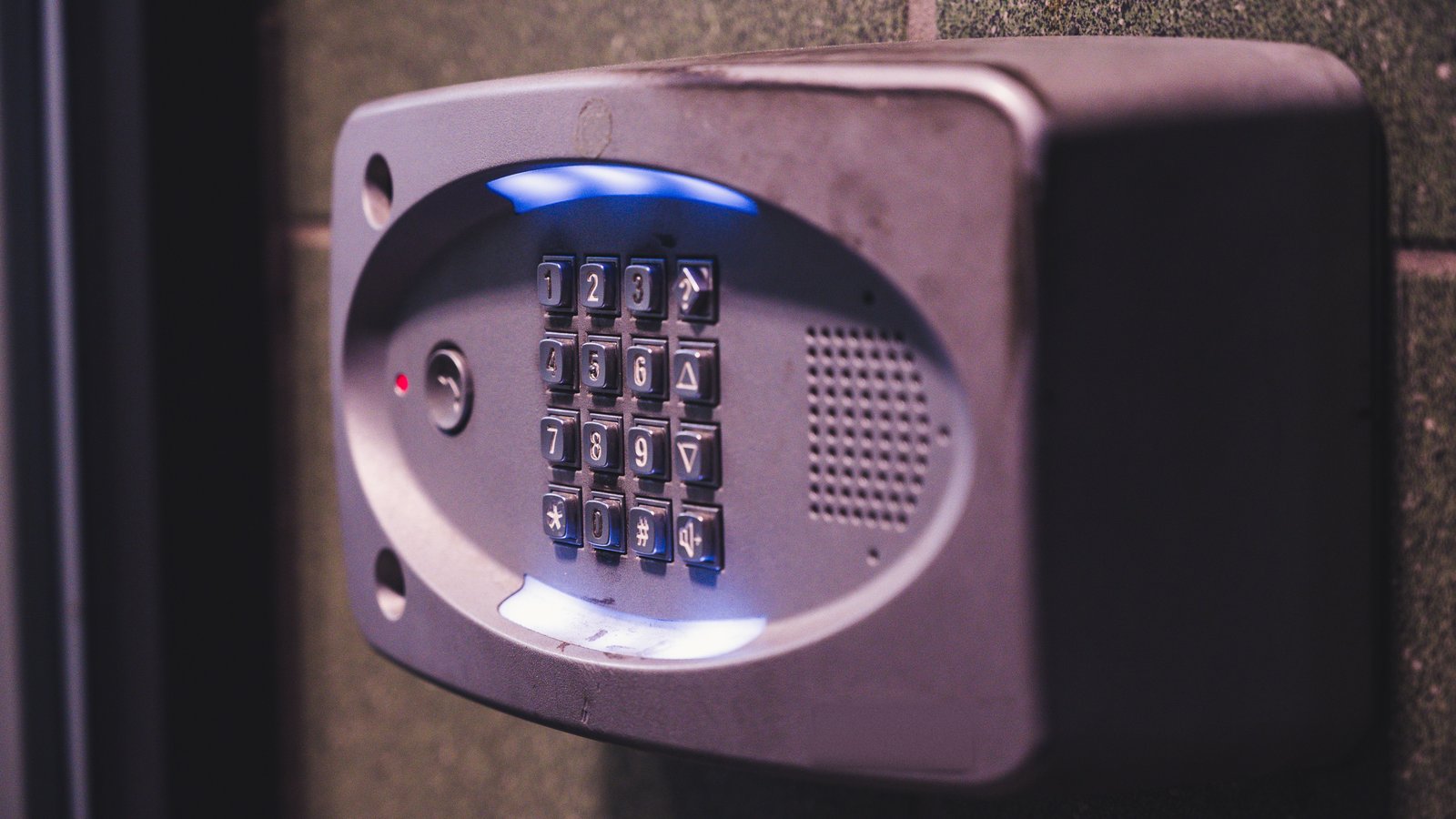
Photo: Brett Sayles on Pexels
The software has a page for this
Open Dental's manual has a page titled "Employee Leaving." It is short: reassign her task list, take her off the schedule, mark the employee hidden, mark the user hidden, and, if the practice uses the time clock, leave her in place there until payroll has been processed. Most practice management systems have some version of that page, and this blog covered who holds the role that can follow it.
The building does not have a page. Nobody wrote the "Employee Leaving" page for the alarm panel, the bank, the lab, the Facebook page or the answering service, because no single vendor owns all of them. The practice does.
What the Security Rule says about doors
The HIPAA Security Rule protects electronic patient information. It does not list keys, and it does not tell a dental practice to change its alarm code when someone leaves. Nothing below should be read as if it did.
What the Rule does have is a standard on facility access controls: "Implement policies and procedures to limit physical access to its electronic information systems and the facility or facilities in which they are housed, while ensuring that properly authorized access is allowed." Under it sits an implementation specification on maintenance records, which the Rule marks addressable: "Implement policies and procedures to document repairs and modifications to the physical components of a facility which are related to security (for example, hardware, walls, doors, and locks)." Addressable means a practice implements it, implements a reasonable alternative, or documents why neither is appropriate. It does not mean optional.
HHS wrote a plain-language paper on the physical safeguards, and that paper names the example directly. "In some covered entities the most frequent physical security changes may be re-keying doors, changing locks or changing the combination on a door, when someone from the workforce has been terminated." The government's own example is the change a dental office makes the day someone leaves. The same paper asks a question worth putting to any owner: "Does management regularly review the lists of individuals with physical access to sensitive facilities?"
That is as far as the regulation goes. The rest is the practice's own interest, and the practice's interest is wider than the server closet.
The list, by what it opens
Sort it by what each thing opens rather than by what it is called.
The building. Keys to the front door, the back door, the supply room, the drug cabinet and the file room. The alarm code, and whether the alarm company has her name and cell number as a contact who can cancel a dispatch. Any key card or fob. If keys were copied and nobody knows how many exist, the honest option is the one HHS used as its example, and the locksmith is the cheap part.
The money. The bank's online portal, the payroll service, the merchant account, the practice credit card in her name or with her as an authorized user, and the dental supply account with the practice's card saved to it. The question is not whether she would misuse them. It is whether the practice can say, today, who can.
The portals that hold patient information. The lab's online portal, the imaging company's support login, the insurance payer portals, the clearinghouse. Each has a username that is probably her email address.
The practice's voice. Who is an administrator on the practice's Facebook and Instagram pages, who holds the Google Business Profile, and who the answering service calls after hours. This blog's post on the after-hours list argued that someone has to own that list; the day she leaves, the service still has her cell number as the person to reach when the office is closed.
Her inbox. Her practice email account, whether it forwards anywhere, and whether it is set up on a phone she takes home. The vendors who have been writing to her will keep writing to her until somebody tells them who to write to now.
Who does it, and when
In most practices the office manager does all of this, which works until the person leaving is the office manager. Then it is the owner's job, usually for the first time. This blog's post on the one individual responsible for security made the case that one person in the practice is told first when something changes; this is one of those changes, and the two names (who does the list, and who is told it is done) should be different people when the office is big enough to have two.
Practices get the timing wrong in both directions. Changing the alarm code while she is still working her notice says something to the whole team. Leaving it unchanged long after she is gone says something else. The list is the way out: decide, in daylight, which items change on the last day and which change the moment notice is given, and then the decision is the practice's policy rather than the owner's mood.
The ADA offers its members a checklist for terminating an employee. It is worth opening with your own list beside it.
The log you already keep
Most practices already have a key log somewhere: a page in a drawer with names and key numbers, or the alarm company's list of who has a code. HHS's paper says the documentation that specification describes can be that simple: "In a small office, documentation may simply be a logbook that notes the date, reason for repair or modification and who authorized it." A key log is the same kind of page, and the two can share a drawer.
The list above needs no new binder, only the back of the key log, with one line for each thing a departing team member could open, who holds it now, and the date it last changed hands. The codes and passwords themselves do not go on the page. The names do.
Saige, the team-facing assistant in AiroDental, keeps that page beside the practice's other written procedures, so the new hire who asks who holds the back-door key gets the practice's own answer, and the office manager who inherits the list can find it. There is no long-term contract and no onboarding fee. See how Saige holds the practice's own answers.
General information, not legal advice. How the HIPAA Security Rule applies to a particular practice is a question for your attorney.
Deren Flesher, DDS. Founder, AiroDental.
Frequently asked questions
- What should be on a dental office employee termination checklist for keys and passwords?
- Sort it by what each thing opens. The building: keys, the alarm code, key cards, and whether the alarm company has her as a contact. The money: the bank portal, the payroll service, the merchant account, any practice card in her name, and supply accounts with the practice's card saved. The portals that hold patient information: the lab, the imaging company's support login, payer portals, the clearinghouse. The practice's voice: administrators on the social pages, the Google Business Profile, and who the answering service calls. Her inbox: her practice email, where it forwards, and whether it is on her phone. The software side (the practice management system's administrator role and user accounts) is covered in this blog's post on the administrator login.
- Does HIPAA require a dental practice to change the alarm code when an employee leaves?
- No. The Security Rule protects electronic patient information; it does not list keys or alarm codes. It does have a facility access controls standard and an addressable specification on documenting repairs and modifications related to security, such as doors and locks. Addressable means a practice implements it, implements a reasonable alternative, or documents why neither is appropriate. HHS's own plain-language paper uses re-keying a door after a workforce member is terminated as its example of a frequent physical security change. Whether and how any of this applies to your practice is a question for your attorney.
- Who should handle access when the office manager is the one leaving?
- The owner, and it is usually the first time the owner has done it. That is the strongest reason to have the list written before it is needed. It also helps to separate two names: who works through the list, and who is told when it is done. This blog's post on the one individual responsible for security covers why one named person is told first.
- When should the alarm code and logins change: at notice or on the last day?
- Decide once, as policy, rather than case by case. Some items can reasonably wait for the last day; others, like a shared alarm code, may need to change the moment notice is given. Changing everything the instant someone resigns says something to the whole team, and leaving everything unchanged long after she is gone says something else. The written list is what lets the practice make that call in daylight.
- Where does Saige fit?
- Saige, the team-facing assistant in AiroDental, keeps the list beside the practice's other written procedures, so a new hire who asks who holds the back-door key, or an office manager who inherits the list, gets the practice's own answer. The codes and passwords themselves never go on the page; the names and dates do.
Related articles

The Financial Policy Nobody Signed
The ADA's sample financial policy ends with one signature line that reads "Patient, guardian or guarantor signature." For an adult, the three words name one person. For a sixteen-year-old in the chair, they name three, and the one holding the clipboard is the one who will never pay the bill. The fifth and last post in the series on the adolescent patient: what the financial policy for a minor has to say, who presents it, to whom, and before which visit.
November 2, 2026 · 7 min read

Abandoned Is Not Missed
A patient says she hung up without leaving a message. Ask five phone systems what that call was and you get a missed call, an abandoned call, both at once, or a call in a category of its own. None of them is wrong. That is why every "practices miss this many calls" figure is one vendor's customers under one vendor's definition, and why the first job is reading your own system's sentence.
October 30, 2026 · 6 min read

The Health History He Filled Out Himself
The signature line at the bottom of the health history form says "patient or parent/guardian," and it works until the person holding the clipboard is sixteen and the parent is at work. The ADA already says who is responsible for the form and what the team checks. The rest is one paragraph the doctor writes: which answers he can give, which ones his mother gives, and who signs for what.
October 26, 2026 · 7 min read